Android Room with a View - Java
Android Room with a View - Java
https://developer.android.com/codelabs/android-room-with-a-view#0
The purpose of Architecture Components is to provide guidance on app architecture, with libraries for common tasks like lifecycle management and data persistence. Architecture components help you structure your app in a way that is robust, testable, and maintainable with less boilerplate code. The Architecture Component libraries are part of Android Jetpack.
This is the Java programming language version of the codelab. The version in the Kotlin language can be found here.
If you run into any issues (code bugs, grammatical errors, unclear wording, etc.) as you work through this codelab, please report the issue via the Report a mistake link in the lower left corner of the codelab.
Prerequisites
You need to be familiar with Java, object-oriented design concepts, and Android Development Fundamentals. In particular:
RecyclerViewand adapters- SQLite database and the SQLite query language
- Threading and
ExecutorService - It helps to be familiar with software architectural patterns that separate data from the user interface, such as MVP or MVC. This codelab implements the architecture defined in the Guide to App Architecture.
This codelab is focused on Android Architecture Components. Off-topic concepts and code are provided for you to simply copy and paste.
This codelab provides all the code you need to build the complete app.
What you'll do
In this codelab, you'll learn how to design and construct an app using the Architecture Components Room, ViewModel, and LiveData, and build an app that does the following:
- Implements our recommended architecture using the Android Architecture Components.
- Works with a database to get and save the data, and pre-populates the database with some words.
- Displays all the words in a
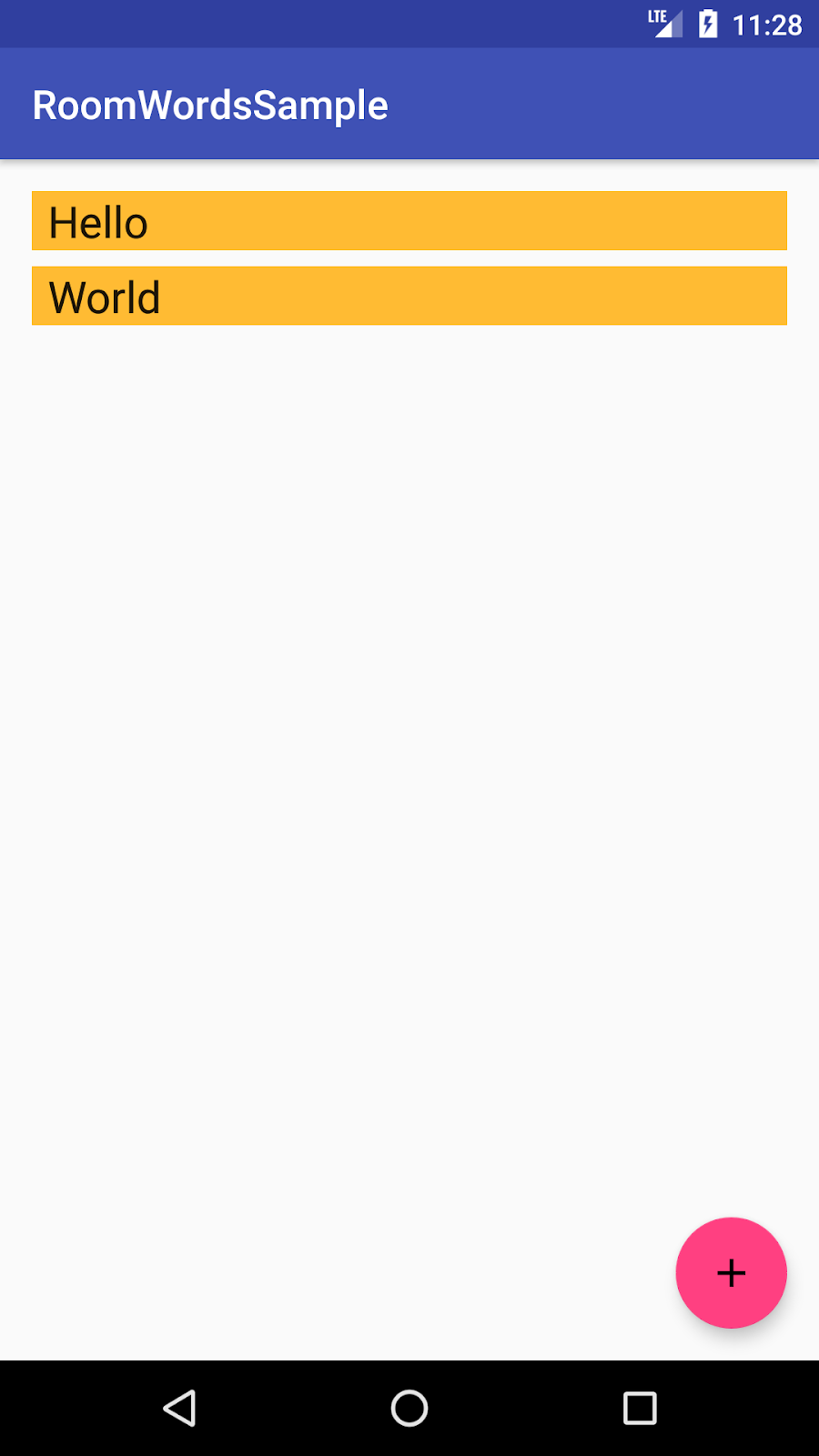
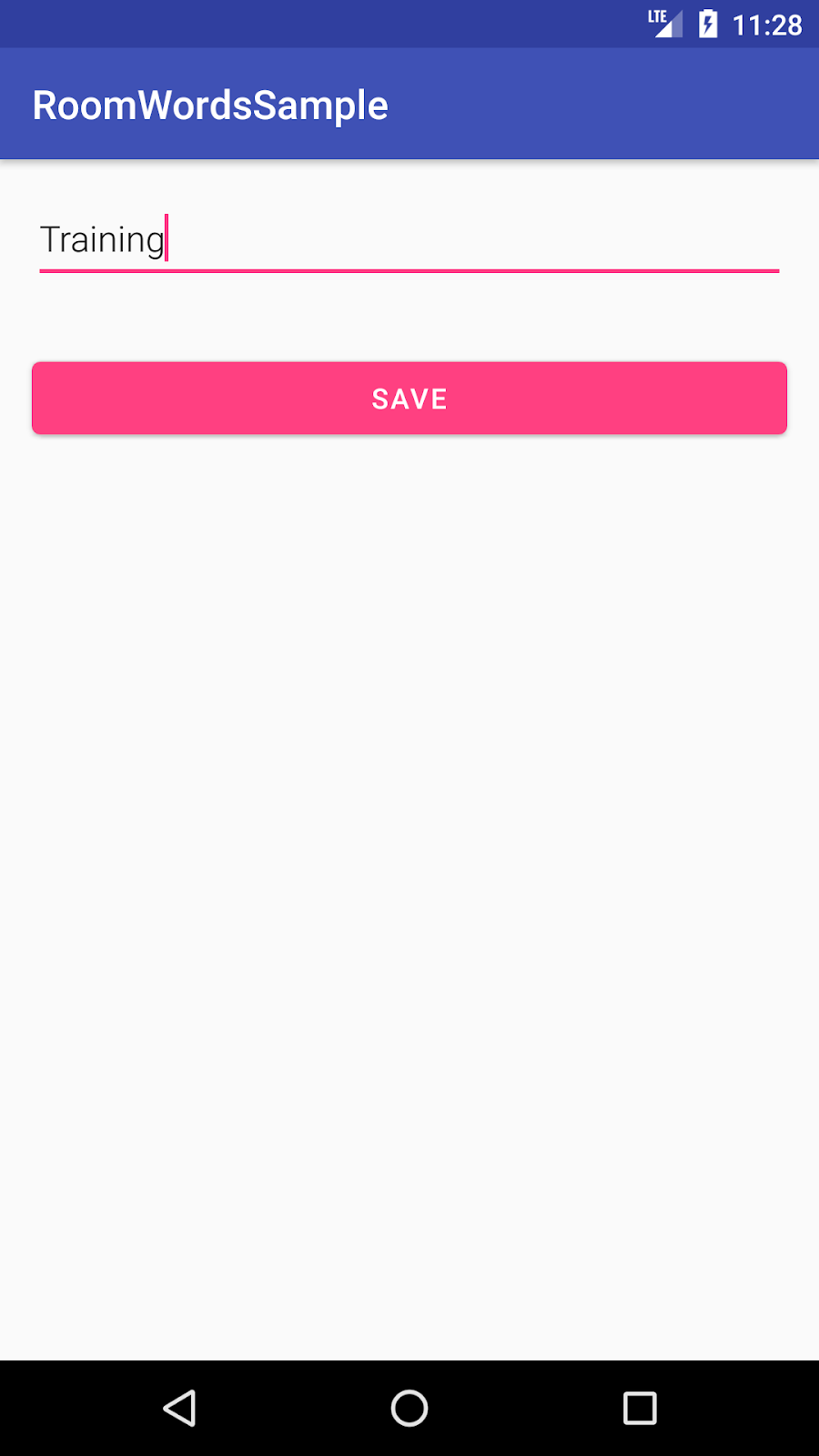
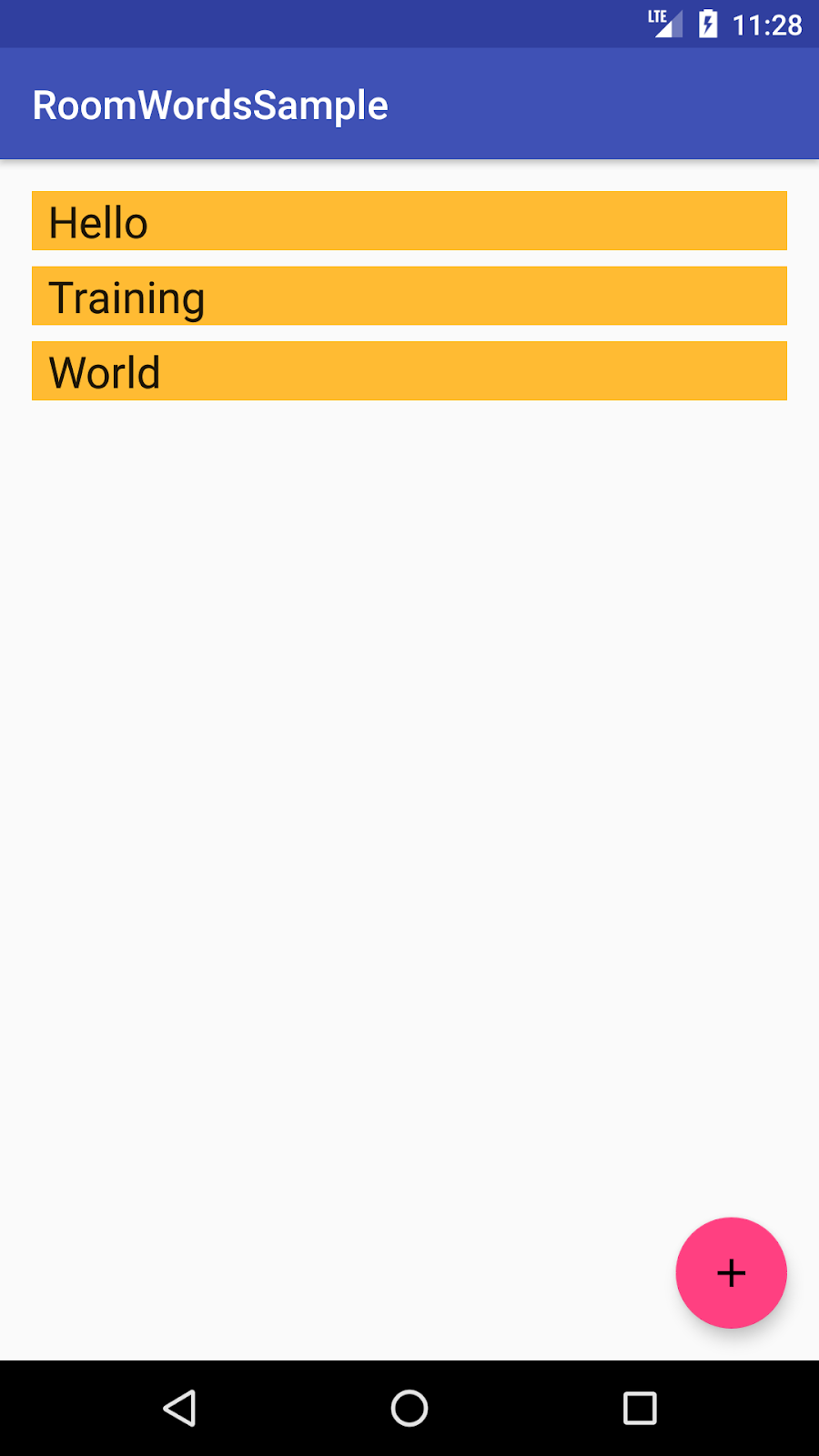
RecyclerViewinMainActivity. - Opens a second activity when the user taps the + button. When the user enters a word, adds the word to the database and the list.
The app is no-frills, but sufficiently complex that you can use it as a template to build upon. Here's a preview:
|
|
|
What you'll need
- The latest stable version of Android Studio and knowledge of how to use it. Make sure Android Studio is updated, as well as your SDK and Gradle. Otherwise, you may have to wait until all the updates are done.
- An Android device or emulator.


Comments
Post a Comment